We are launching the new eRedaktør MCP platform. Connect Claude, ChatGPT, Gemini, Grok Bot, Copilot or Cursor to your site, and update pages, sell tickets, book rooms and welcome new members just by asking.
After months of building, testing and fine-tuning, we can finally say it: the new eRedaktør MCP platform is live. From today, the AI assistant you already use can work directly on your website, in your shop and with your members. You describe what you want in plain words, and it simply happens.
No new screens to learn. No hunting for the right menu. Just a conversation.
MCP stands for Model Context Protocol. It is an open standard that lets an AI assistant plug into other systems in a safe and controlled way.
Think of it as giving your assistant a key card to your website. Without it, the AI can only talk about your site. With it, the AI can do things on your site: create a page, add a product, put an event in the calendar. And the key card only opens the doors that you are allowed to open.
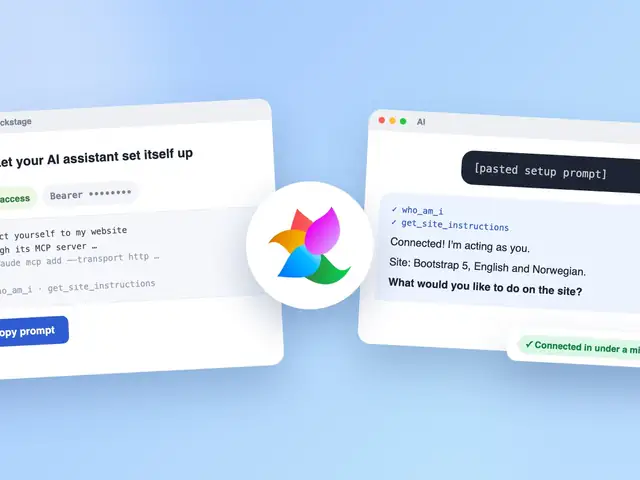
eRedaktør works with any MCP-enabled tool, so you don't have to switch assistants. That includes Claude and Claude Code, ChatGPT, Gemini, Grok Bot, Github Copilot in VS Code and Visual Studio, and Cursor.
Some assistants need a little setup first, like turning on a developer mode or adding a custom app, and what is available can depend on your plan with them. We're happy to help you get connected.
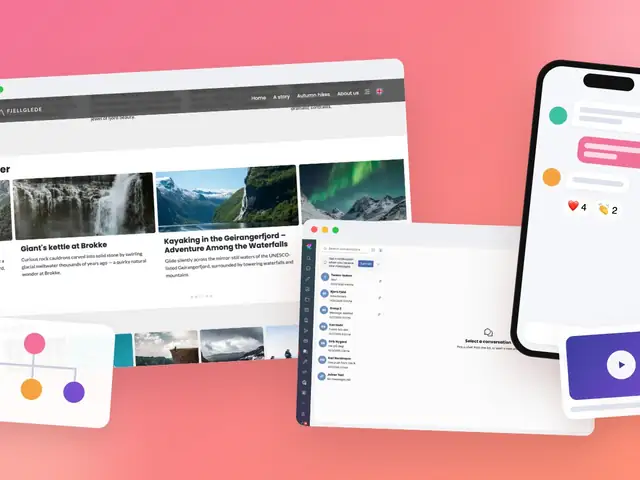
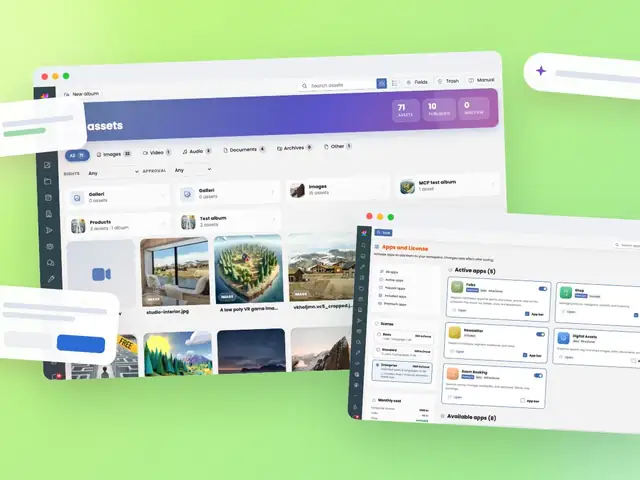
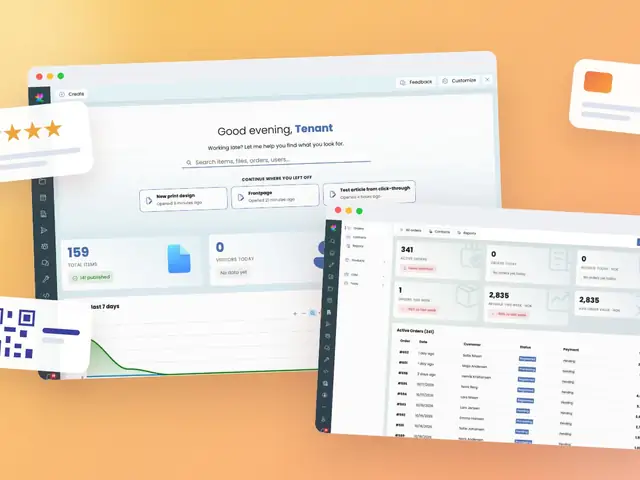
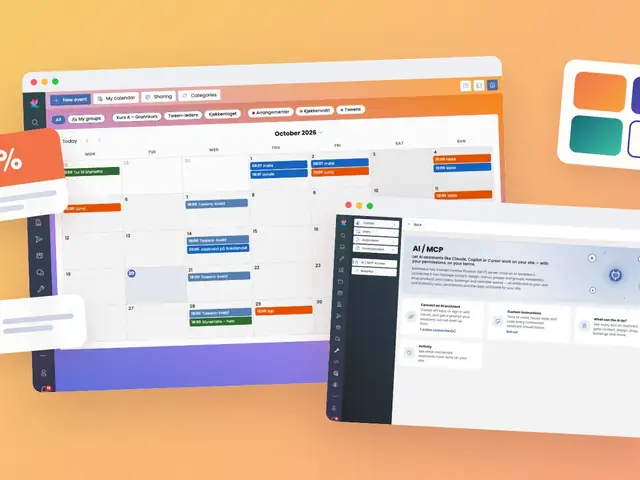
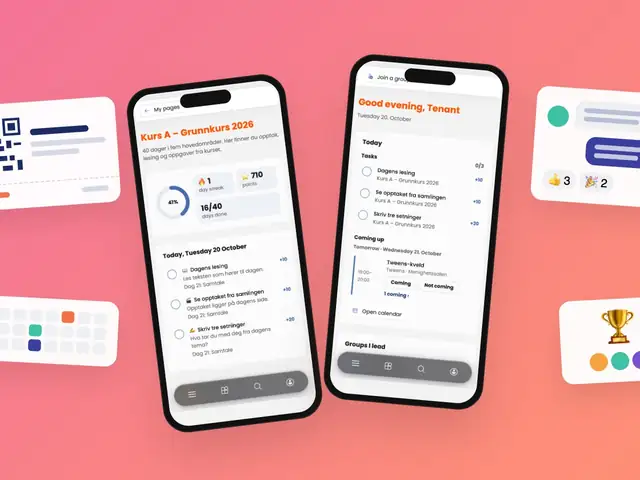
eRedaktør comes with more than 300 ready-made tools for your assistant, covering the whole platform:
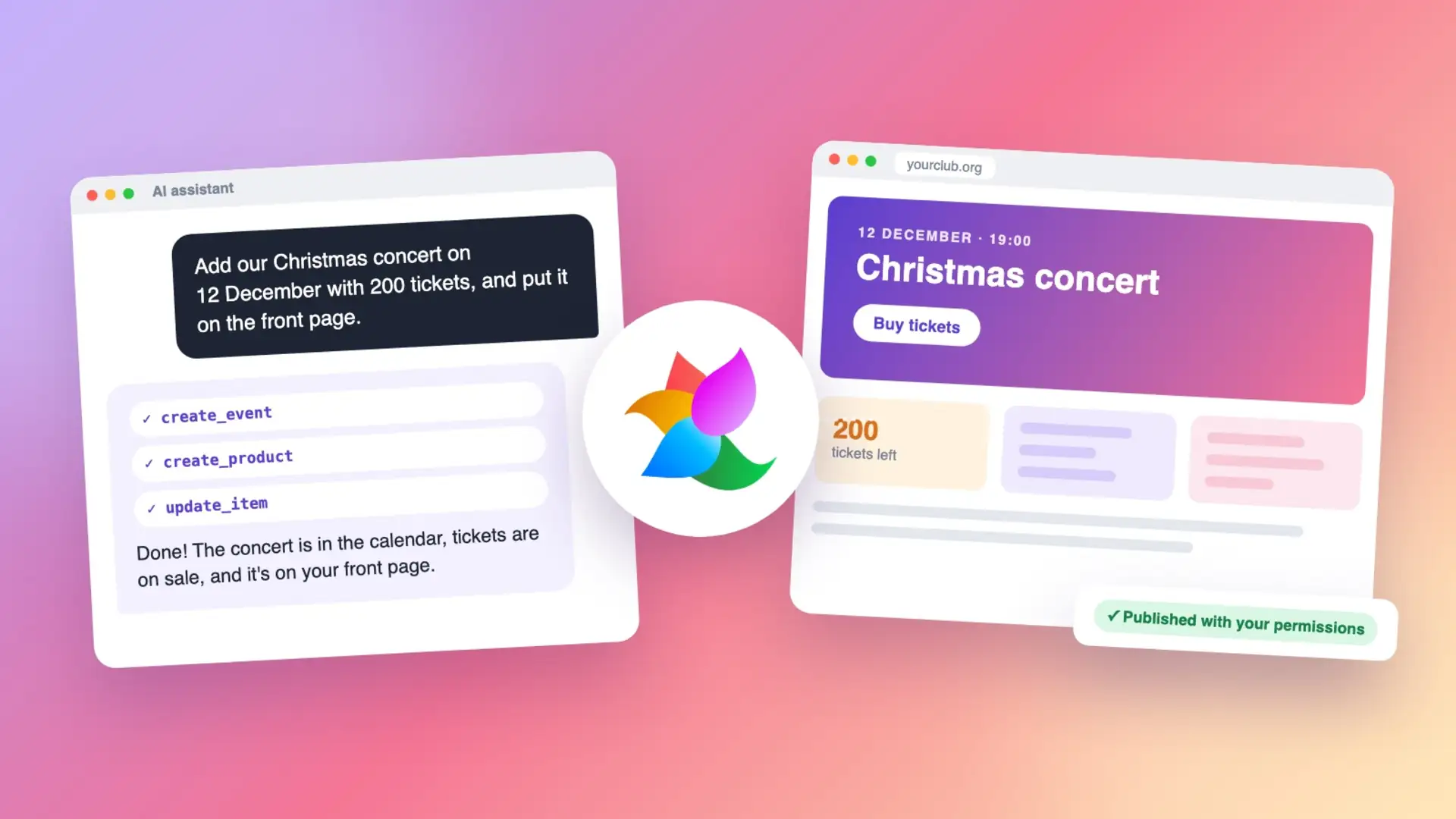
A single sentence like «Add our Christmas concert on 12 December with 200 tickets, and put it on the front page» becomes an event, a ticket product and a front-page update, in seconds.
Letting an AI work on your live website should never feel like a gamble. That is why we built the platform with safety at its core:
Every site can give the AI its own instructions: your tone of voice, which categories to use, what always needs a review before publishing. Write it once, and every assistant that connects follows your house rules.
Want the details? Read How to connect your AI assistant to eRedaktør. And to see what's new across the whole platform, read What's new in eRedaktør.
The MCP platform is included in eRedaktør and works on every site. Already a customer? Connect your assistant today. New to eRedaktør? Get in touch with us, and we'll show you how much time a simple conversation can save.