Changelog

A running log of updates, fixes and improvements to eRedaktør. Since we ship continuously, entries are organized by date rather than version numbers.

October 12, 2026 Latest

Lively tool pages that are a joy to click.

  • Tool and developer pages now come with smooth animations and larger click areas, making them easier to use on any device

October 10, 2026

Flexible layouts with render templates, and faster, safer settings.

  • New render templates let you shape how lists, blocks and pages are displayed, with a handy picker right below your design presets
  • Render template options are fully available in Norwegian
  • Site settings are now kept separate for each site and refresh automatically, so changes show up quickly and reliably

October 8, 2026

Event tickets with QR codes, stronger site security and a simpler setup.

  • Event tickets are reworked: they connect to your calendar and buyers receive a ticket by email with a QR code
  • Sell extras together with tickets and ask buyers questions through a form during checkout
  • Stronger isolation between sites, with sign-in bound to its own site and extra protection for shared accounts
  • Site design changes are now reserved for the developer role, and only developers can give or remove the developer and superadmin roles
  • User import and export is now safe and limited to your own site
  • A new setup checklist replaces the install wizard, and sites that are not live yet are shown behind a friendly holding page
  • Simpler system settings, with clearer explanations of web apps (PWA) and a "Search engines" tab
  • Image galleries support links on images and always show images in the same order as in the editor
  • Delete a whole group of unused files in one go
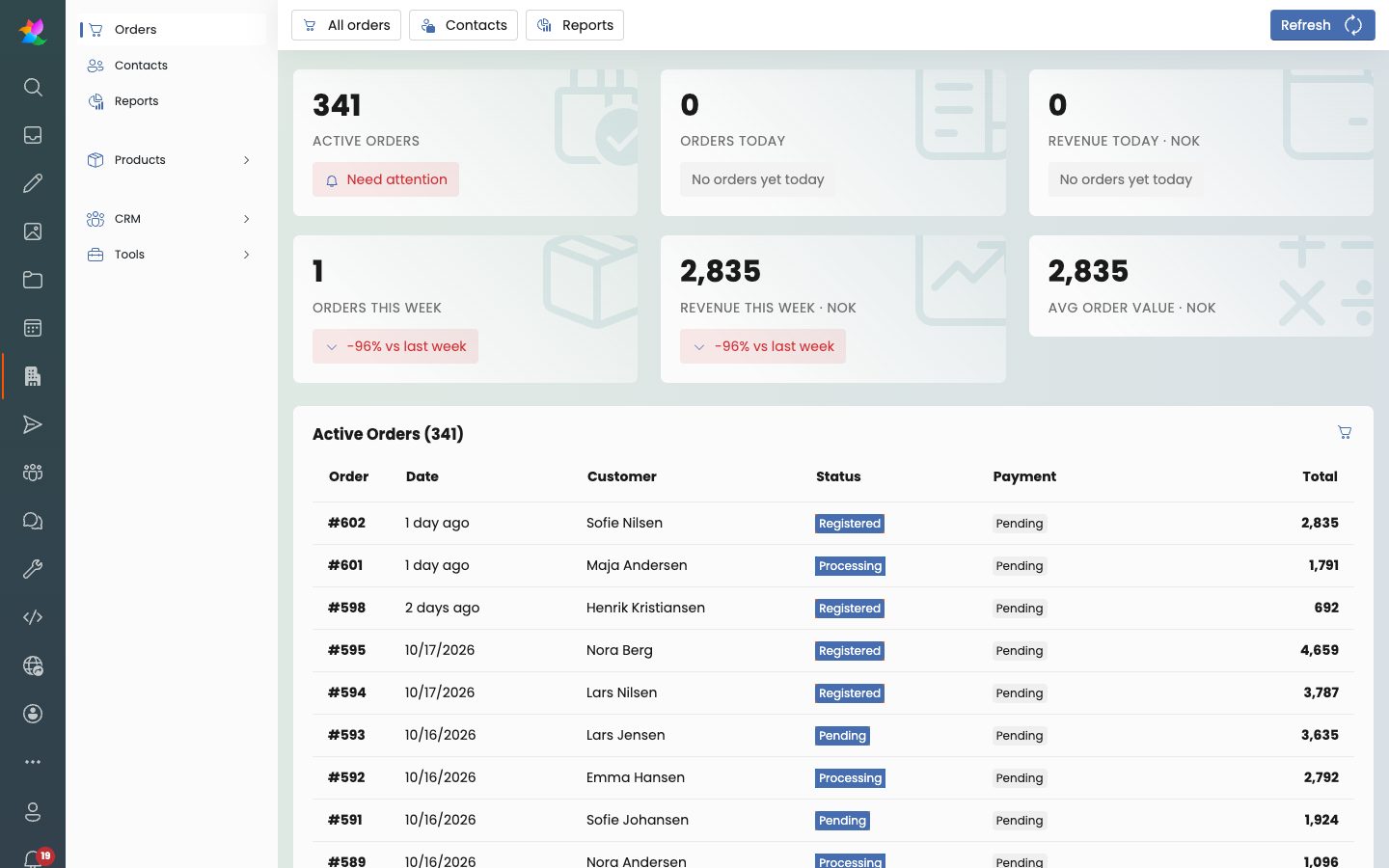
  • Order lists fill the available space on any screen, and toolbars and tabs now scroll sideways at every width
  • Norwegian translations for order links and developer account messages

October 7, 2026

Group calendars, richer chat and a better member area.

  • Groups get their own calendars, group email and push notifications for chat
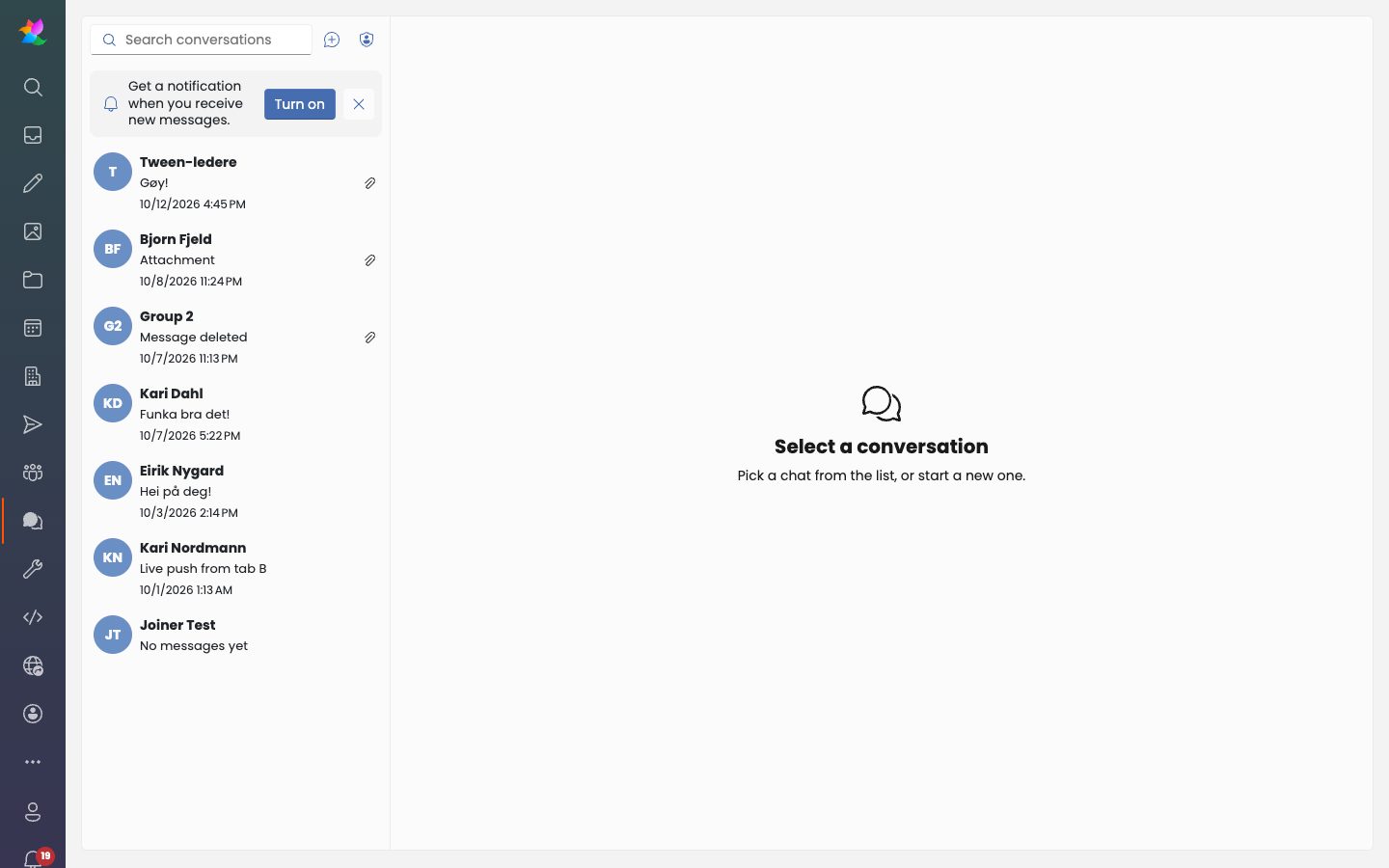
  • Chat messages can now have reactions, replies, editing, deleting and pinning
  • Create polls right in the chat, with a handy plus menu in the composer
  • Share files and links in chat, and admins can attach files that are already uploaded
  • Better contrast for your own chat bubbles in dark mode
  • The member area has moved into the back office, with easier mobile navigation and a new profile card
  • Editors can pin important items to the top of item lists
  • A redesigned category editor, with save confirmations for calendar categories
  • A more reliable unused-files scan, and group emails now link back to your site

October 5, 2026

A far better image gallery experience, plus polish all around the editor.

  • Gallery editor reworked: create albums, upload, reorder with drag and drop and manage images in one place
  • Galleries on your public site now hide deleted, unpublished and expired images automatically
  • A compact design picker, shown right in the gallery editor
  • A smarter image crop dialog that refits when you rotate, with clearer feedback
  • The item list gets a breadcrumb and category cards, and the file list is tidier
  • Editor polish: smarter child type choices, a quick new person dialog, working product image sorting and a friendlier creation dialog
  • Dialogs now put the cursor in the first text box right away
  • Better mobile layout for child items, chat and notifications
  • Complete Norwegian translations for all remaining phrases
  • The AI assistant can now edit all Design page settings, layout items and file details like alt text, copyright and credit, and it only shows tools for apps you have turned on

October 4, 2026

A friendlier mobile experience, a smarter image and file library and a personal home for your members.

  • New "My pages" home for members, with a course card showing progress, streak, today's tasks and earned badges
  • The mobile back office gets a floating bottom dock, full-screen apps and search, and tabs that scroll smoothly sideways
  • A redesigned album and folder picker with multi-select cards, checkmarks and easy drill-down, and you are offered an album or folder right after uploading
  • The item list is now mobile friendly and has an optional select mode for editing many items at once
  • A cleaner person icon in the app bar and a tidier "My pages" menu, with log out now one tap away

October 3, 2026

Online courses, a brand new media library and a complete member area.

  • Introducing courses: day-by-day checklists, YouTube and Vimeo videos, leader progress overview and a handy Participants tab
  • Date-based course schedules for each group, with daily task reminders and due dates
  • Folks module with group chat, leader overview and a dashboard with key numbers
  • Join groups with a code, with optional approval, expiry and tools for group leaders
  • A redesigned digital asset library with album cards, breadcrumbs, list view and a built-in manual, which hides system-generated files for a tidier overview
  • New resources area where admins can upload files and members browse folders with search and paging
  • A mobile-first member area with its own app bar entry
  • PDF receipts and order details now include VAT specification and delivery information
  • Schedule templates are easier to read and edit, with a summary header and smooth expand animation
  • The AI assistant can now work with group access, group chat and courses

October 2, 2026

Personalized print products, smarter shop automation and polished podcasts.

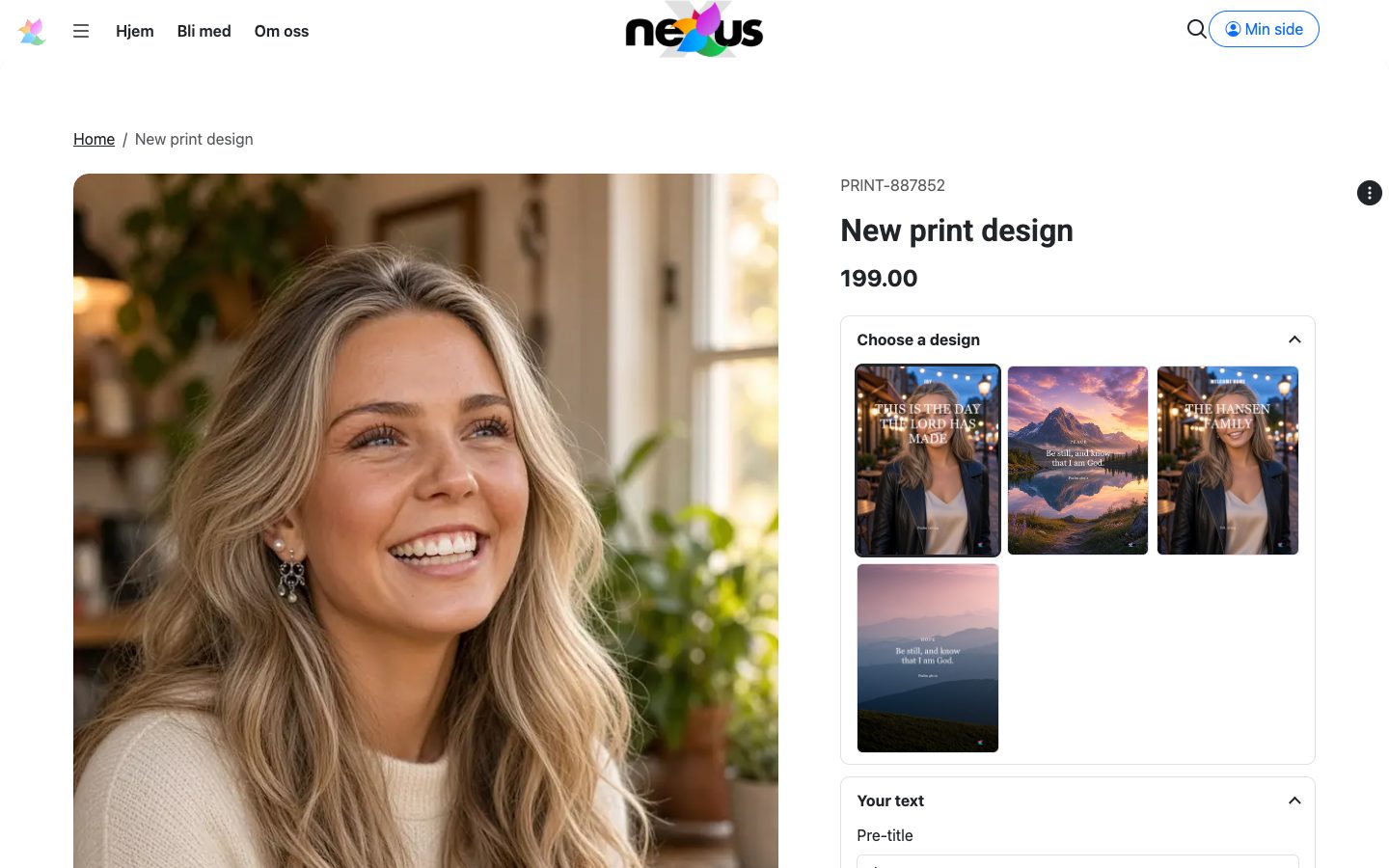
  • Print designs get their own page with styles, sizes with prices, passepartout, three text fields and a printery-ready PDF, plus customer choices at checkout
  • Better font handling for print designs, including weight, italic and your own uploaded fonts
  • Invoices now follow Norwegian invoice rules and include payment details, and are sent through the outbox
  • New shop options for delivery, default currency, filters and overdue payment reminders
  • Product reviews are quicker to submit, moderated and shown with search-engine rating markup
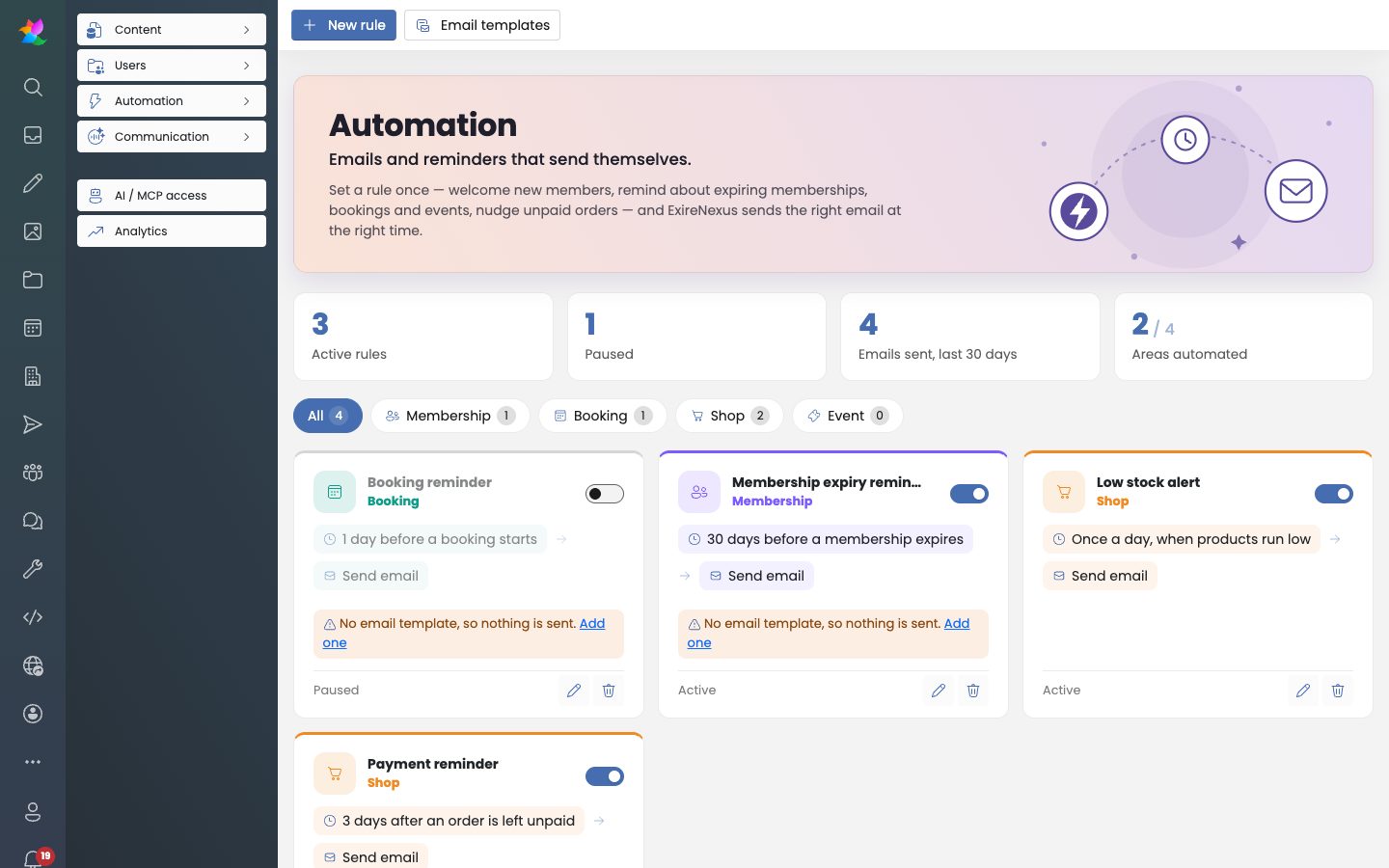
  • Easier automation with simpler rule setup, test sending and a low-stock alert digest
  • Podcasts get a more reliable RSS feed, replaceable audio and artwork shown on every episode
  • The inbox gets a trash for deleted form responses and smoother reply and status handling
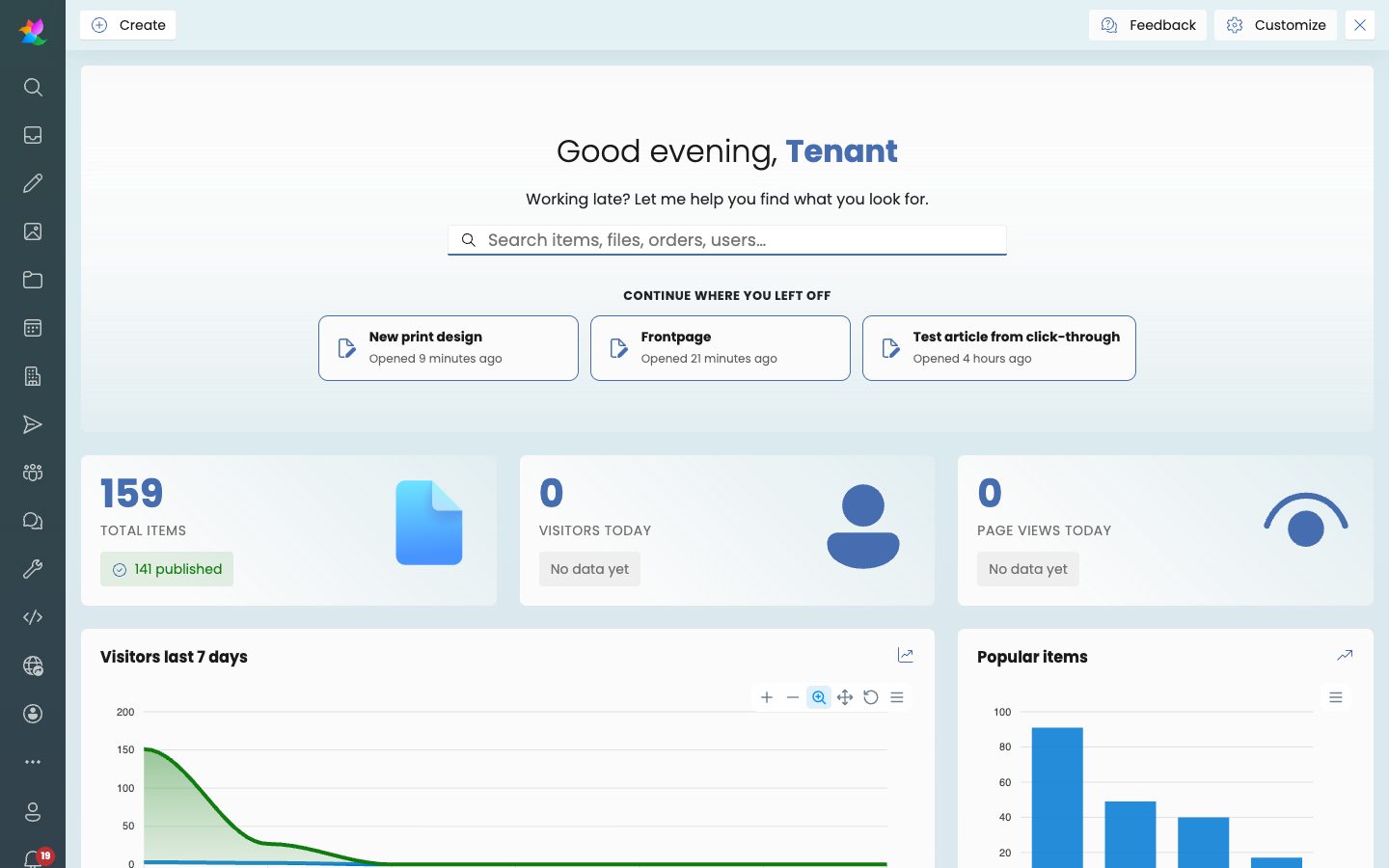
  • A refreshed dashboard with a top tasks card, recent work and clear key number cards
  • The user profile gains a Security tab and clearer save feedback
  • Button lists now count clicks

October 1, 2026

Built for mobile, sharper dashboards and a stronger, safer platform.

  • The back office now works beautifully on your phone, with a new top bar, a slide-out section menu and toolbars that fit small screens
  • A brand new app launcher and a redesigned app store make it easy to find, compare and add the apps you need
  • Fresh, calmer dashboards for shop, booking, meeting rooms, CRM and people, with clearer key numbers at a glance
  • CRM appointments are easier to plan, with week and month views, quick-pick titles and a required contact
  • Tasks now have a backlog, sprints and a board, with a clear difference between who is assigned and which contact it concerns
  • Chat is faster to use: press Enter to send and see conversations update live
  • The inbox is now mobile friendly, showing folders first and a simple back button
  • Newsletters are more dependable, with no lost edits, a full subscriber list and a proper send and schedule dialog
  • Guests can pick their booking dates straight from the room page calendar
  • Files and images get working search, easier uploads and friendlier empty states
  • Schedules now follow their event automatically when it is rescheduled
  • Public pages load even faster, with lighter pages and optional static rendering for simple content
  • Extra security hardening across payments, file access, sign-in and the AI assistant connection, plus safer user, role and group management
  • New AI assistant tools for tasks, sprints and chat

September 30, 2026

Connect your AI assistant in minutes, with a smoother shop, booking and people experience.

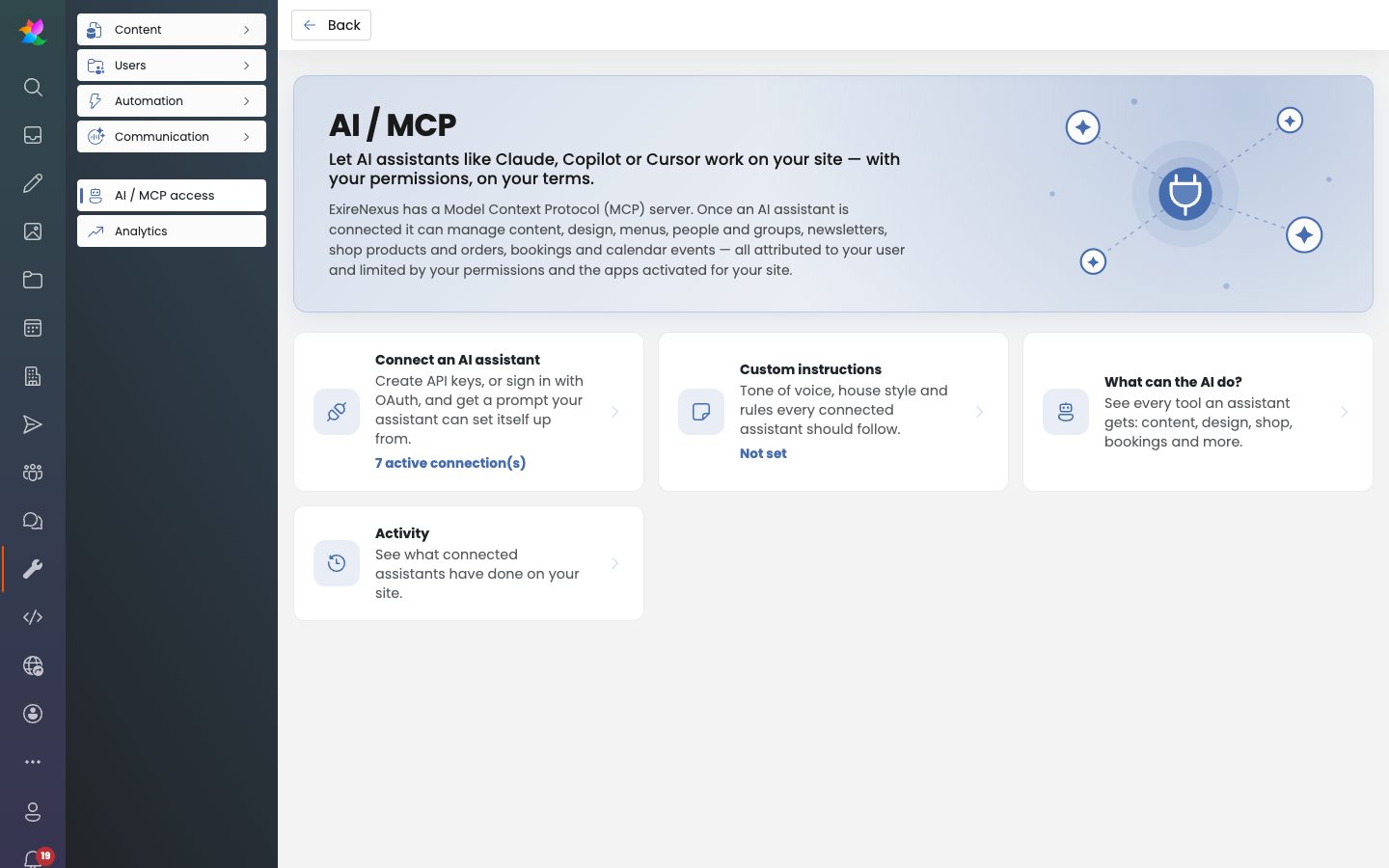
  • A new AI assistant connection area with dedicated Connect, Instructions and Capabilities pages
  • Named API keys with limited access, a ready-made setup prompt and an even safer sign-in flow
  • Meeting room booking is more reliable, honouring slot lengths and opening hours and showing the full room image in your site's design
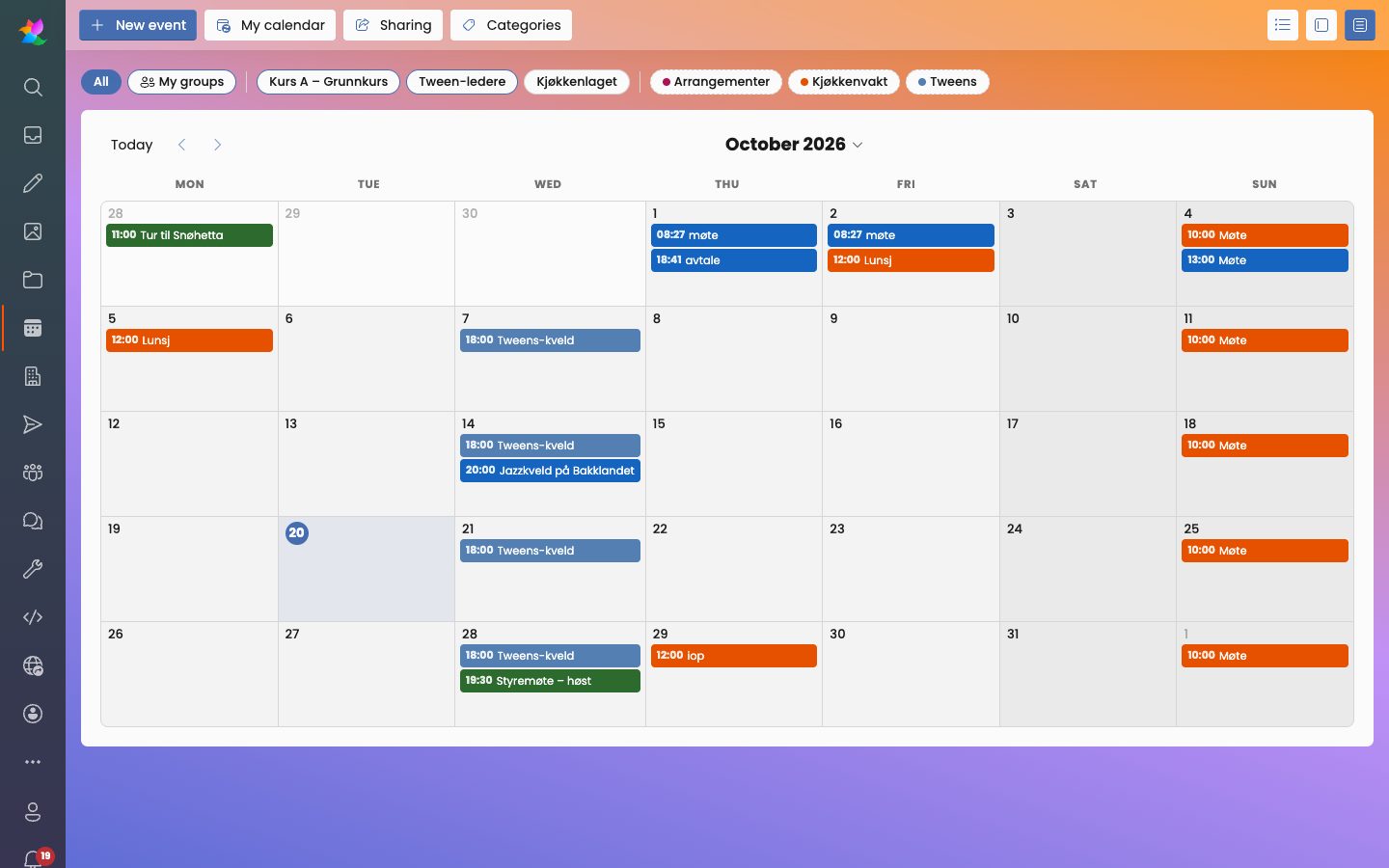
  • Calendar improvements: better validation, recurring event fixes, list search and clearer overlapping events in week view
  • A smoother shop: correct coupon totals, stock handling, category search and a cart badge that clears when the basket is gone
  • People management is easier for non-technical admins, with group names in the list, post cards with draft badges and clearer group trees
  • A redesigned automation dashboard with improved dark mode
  • The content menu stays open while you navigate
  • Shared users can now have the same role across different sites
  • Many small fixes and polish found during thorough testing

September 29, 2026

More power for your AI assistant.

  • The AI assistant can now manage people and set banner images
  • Larger files can now be uploaded through the AI assistant

September 28, 2026

Smarter recurring events and better insight into what's happening on your site.

  • Recurring calendar events now support changing or deleting a single occurrence, without affecting the whole series
  • Events are stored consistently in UTC and displayed in each visitor's local time, avoiding timezone mix-ups
  • Group order is now respected when groups are shown on your website
  • Group members now display their role at a glance
  • New filters for the AI activity log, and errors now include which site and page they came from for faster troubleshooting
  • Added a sitewide audio player, great for podcasts and other audio content
  • Translation fixes

September 27, 2026

Small fixes to keep your files working smoothly.

  • Fixed file type detection so uploaded files open correctly
  • File list improvements

September 26, 2026

Faster pages, reusable design presets and a smoother calendar.

  • Pages load noticeably faster thanks to new smart caching
  • New design presets: save a look once and reuse it on any page or block for a consistent design across your site
  • Every page and block now comes with built-in CSS classes, so our team or an AI agent can tailor the styling for you. No extra work on your side
  • Calendar drag and drop fixed, making it easy to reschedule events
  • The event dialog now shows both calendar and event categories, clearly labeled by type
  • Better AI activity logging and a refreshed overview of the AI assistant's capabilities
  • Under-the-hood code quality improvements for a more robust platform

September 25, 2026

A smoother way to add media, and richer calendar events.

  • New tabbed media picker makes it quick to add images, video and other media types to your content
  • Events can now have images added directly through the AI assistant

September 23, 2026

More flexible content organization.

  • The category picker now supports multiple category types, making it easier to organize content across your site
  • Image accordion block display fix

September 22, 2026

Coupons and promotions to help you grow sales, plus a tidier menu experience.

  • Coupon links, promotions and promoter tracking
  • Fixed an issue where menu items could be left orphaned
  • Site-wide CSS is now easier to manage through the AI assistant
  • Minor fixes and stability improvements

September 17, 2026

Content editors get version history, plus a batch of MCP and stability fixes.

  • Item versioning, so changes can be reviewed and reverted
  • Fixed light/dark auto-mode detection issue
  • New MCP tool for listing child items
  • MCP improvements: item order, image position, effects, short codes and more
  • Multitenant fix
  • Fixed a JS error in the swipeable slider block
  • Improved MCP user activity logging

September 16, 2026

Localization and designer refinements.

  • Publish dates now respect the visitor's culture/language
  • Added a width option to the page designer
  • General translation and localization improvements

September 15, 2026

AI chat and editor quality-of-life improvements.

  • Improvements to the built-in AI chat assistant and logging
  • Removed duplicate image settings for a cleaner editor
  • Quick-edit and Item Collection editor improvements

September 14, 2026

Introduced live editing directly on the page.

  • Live edit mode for pages, with quick-edit for paragraphs and HTML items
  • Content type cleanup and translations
  • Swiper and Splide slider fixes, styling and pagination adjustments
  • Combined localization file; added offcanvas menu type option

September 10, 2026

Scheduling, AI disclosure labeling, and order management updates.

  • Event scheduling and a new person picker
  • AI generation level disclosure on content, plus an AI icon in the item editor
  • File dialogs updated with tags and better browsing
  • Custom fonts support; removed an unused editor
  • New tag picker; ability to complete orders
  • Customer labels reintroduced in the order editor

September 9, 2026

Migrated customer data to the new Contact model.

  • Migrated Customer records to the new Contact model
  • Person list now uses the new data structure
  • File list now includes more document types
  • Various CMS fixes and search improvements

Rejoining the server...

Rejoin failed... trying again in seconds.

Failed to rejoin.
Please retry or reload the page.

The session has been paused by the server.

Failed to resume the session.
Please retry or reload the page.