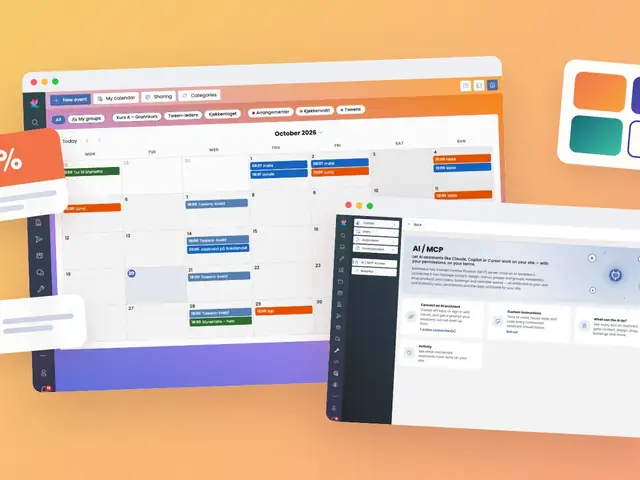
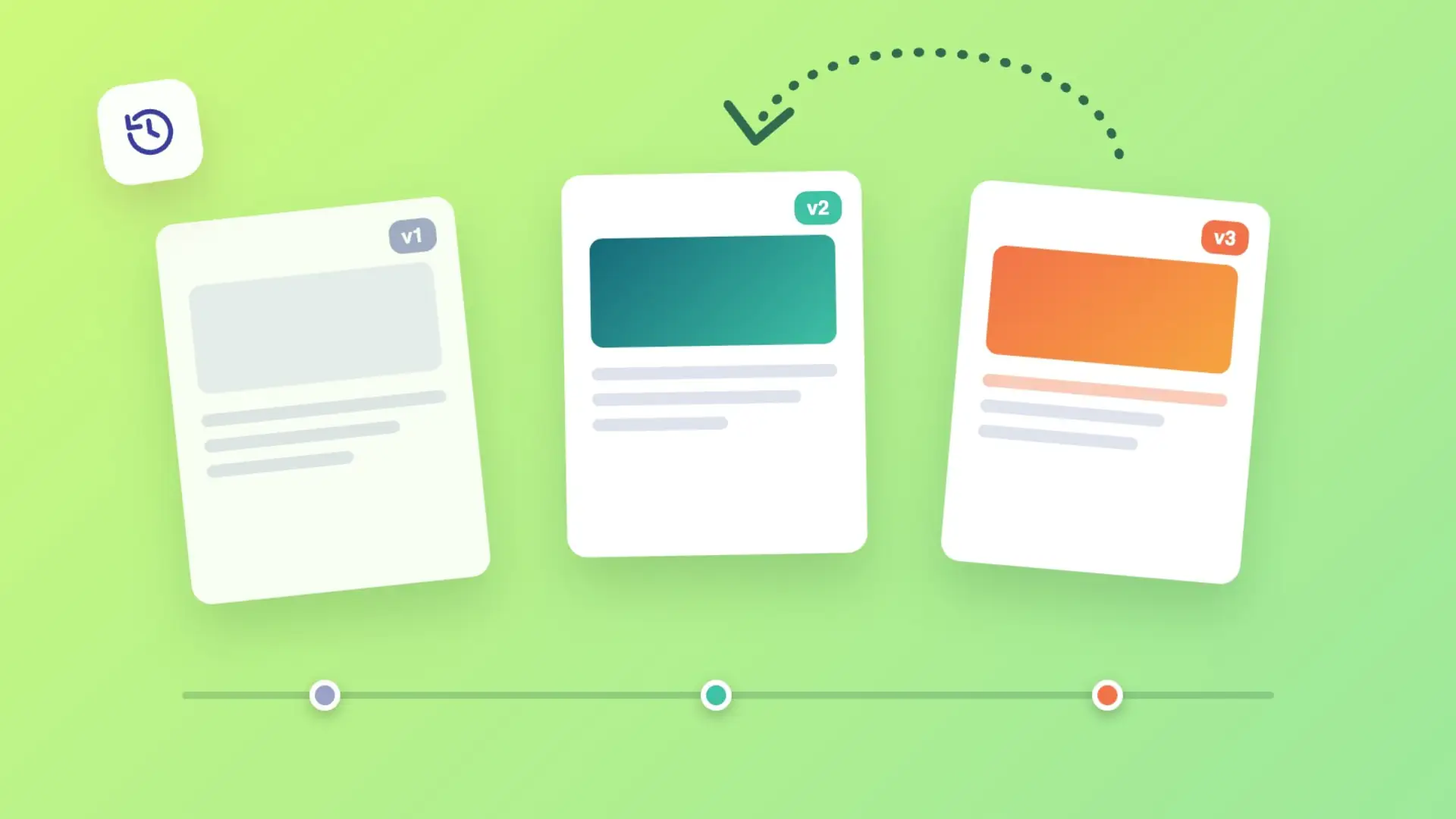
We've added version control for items in ExireNexus: create manual snapshots, get automatic daily backups, and browse full version history right from the editor.
Content changes over time, and sometimes you need to go back. We've added a lightweight version control system for Items (pages, articles, blocks, and more) directly into Backstage, our content editor, with full support in our MCP (Model Context Protocol) tools as well.
Every item can have historical snapshots that record its state at a point in time. Snapshots reuse the existing OriginalItemId link on the item, so no new database structures were needed — the same field already used for language versions now also carries version history, distinguished by a negative version number.
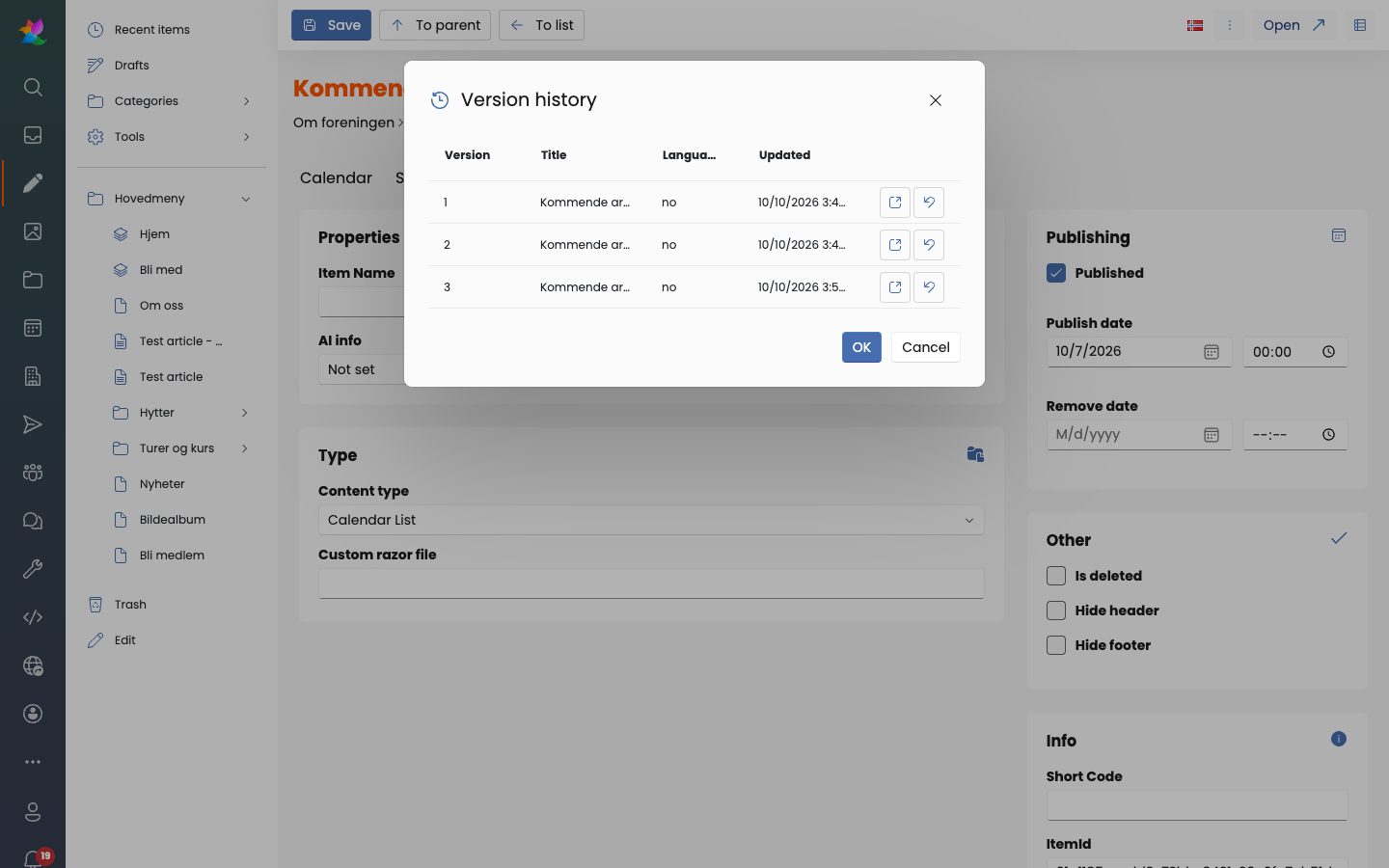
AI assistants and automation using our MCP server can create version snapshots, list version history, and revert items to a previous version — the same building blocks that power the Backstage UI are exposed as MCP tools, so editorial workflows can be scripted or assisted by AI.
Version history gives editors confidence to experiment: try a new headline, restructure a page, or let an AI assistant make bulk edits, knowing a safety net is always just a click away.