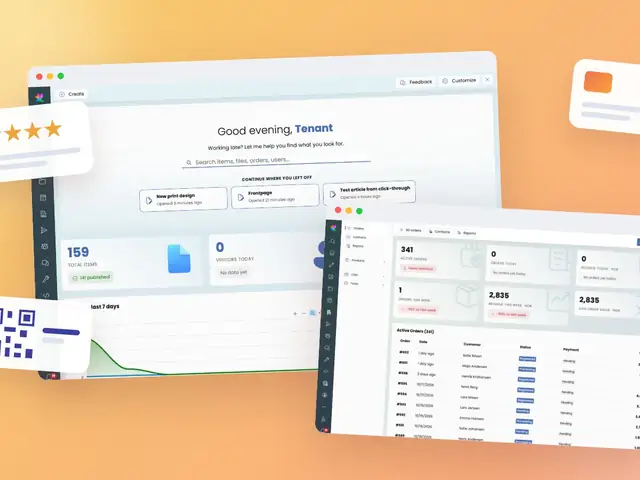
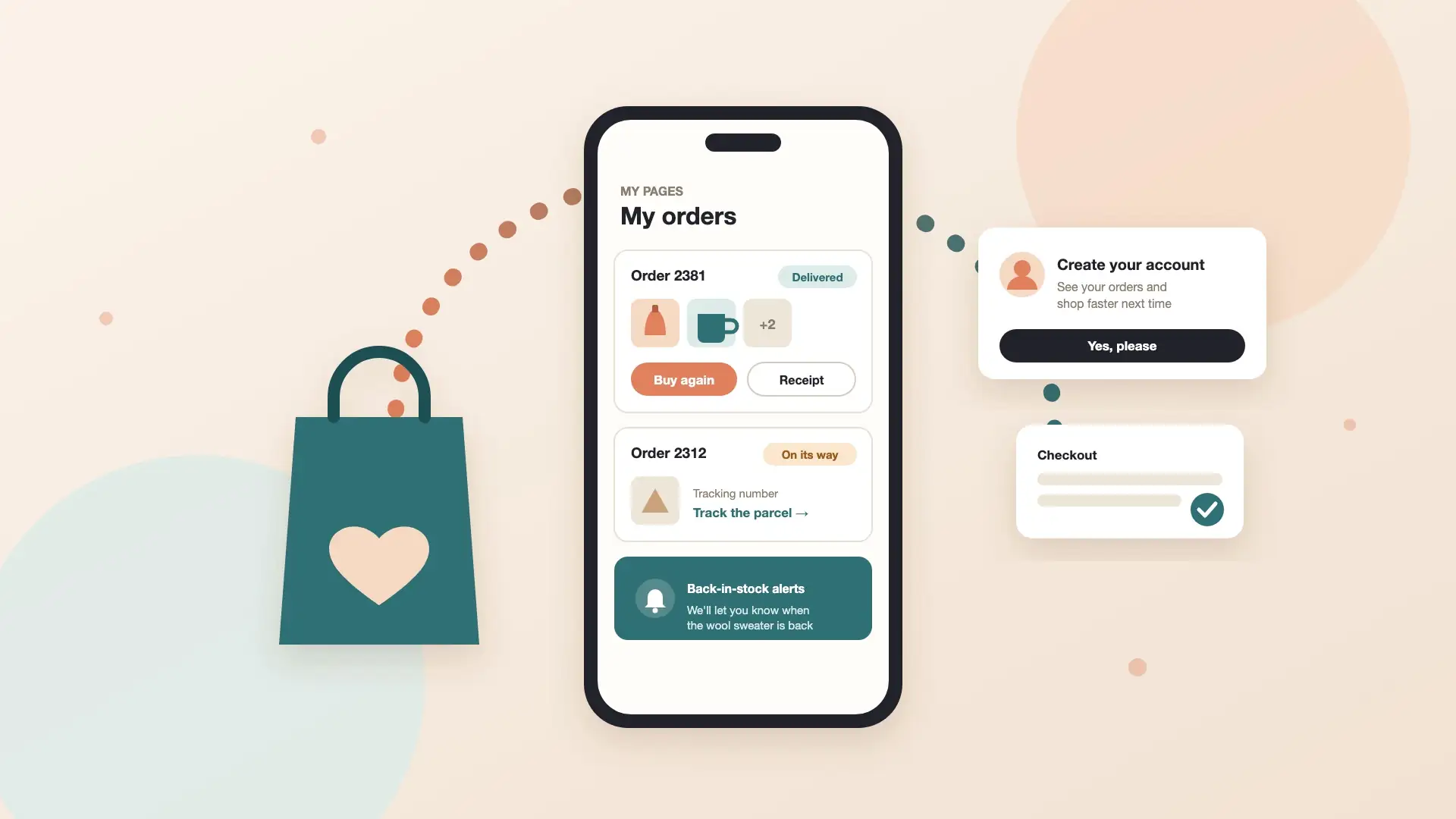
Winning a new customer costs far more than getting an existing one to buy again. Here are four steps in eRedaktør that make it easy for customers to come back: an account right after checkout, their own page with all their orders, faster checkout, and perks for your regulars.
A customer who has bought from you once already knows your shop, has received the goods and knows you deliver. Still, many disappear after the first purchase, simply because nothing brings them back. They don't remember the shop's name, can't find the receipt, and have to type in their address again next time.
With a few settings in eRedaktør you make it easy to come back. Here are four steps.
Requiring customers to create an account before they can buy is a sure way to lose sales. It's much better to ask afterwards, when the purchase is done and the customer is happy.
Customers who buy without being signed in now get an offer to create an account on the confirmation page. If they say yes, they get an email with a link to set a password. That's all. The account is a customer account: the customer sees their own orders but has no access to your editing tools, and customer accounts don't count as users in your licence.
Has the customer bought from you before without an account? Once their email address is confirmed, eRedaktør finds the earlier orders and asks whether to add them to the account. The customer then has their whole history in one place.
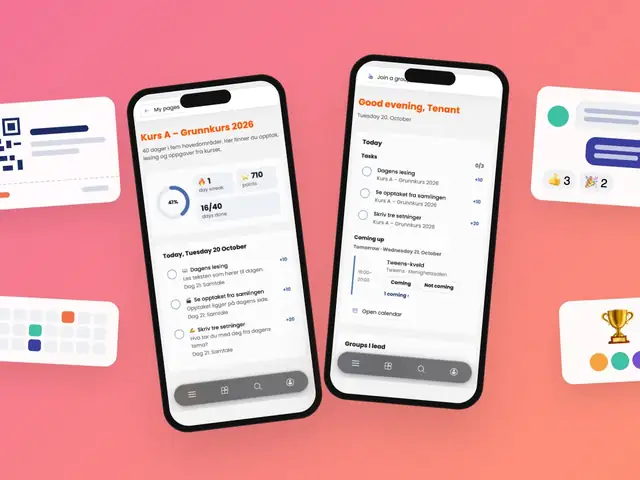
Under My pages → My orders the customer finds everything they have bought from you. For each order they see:
The link in the order confirmation goes straight to the order on My pages when the customer has an account. That means fewer emails to you asking "Where is my parcel?" and "Can I have the receipt again?".
Buy again is especially useful if you sell things people use up: coffee, pet food, skincare, supplies, ink. The customer doesn't have to find the products again, and it takes just two clicks to order the same as last time.
When the customer is signed in, their name, email, phone and address are filled in at checkout. It sounds small, but every field the customer doesn't have to fill in is one less place where they might give up.
It's also a good idea to turn on back-in-stock alerts under Shop → Settings. Signed-in customers can ask to be told about sold-out items with one click, and see their alerts under My orders. When the item is back, they get an email with a link straight to the product.
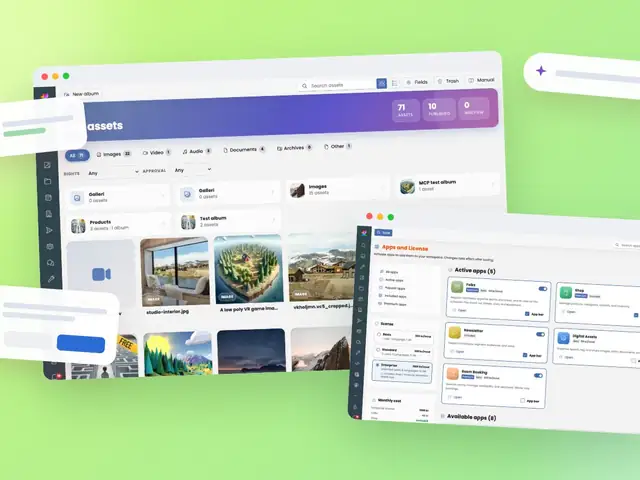
A small perk for your regulars goes a long way for loyalty. Here's how to give them their own discount:
When a regular customer signs in, they see their own price right on the products. If you run a campaign for everyone at the same time, the customer gets the better of the two discounts, not both.
To stay in touch between purchases, add a newsletter sign-up form to your website, and send a newsletter when new products arrive.
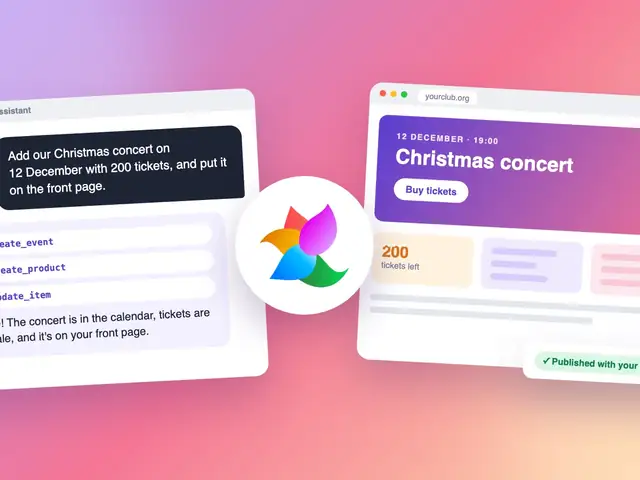
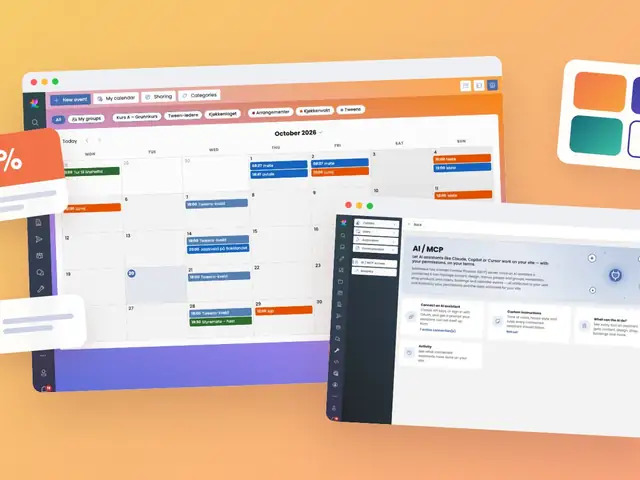
The AI assistant can help you find your best customers. Ask for example "Which customers have bought more than three times this year?" or "Create a 10% discount rule for the Regular customers group". If you have questions about the setup, get in touch with us.
Read also: How to handle returns without drowning in email.