Not every booking is a public event — sometimes it's just "is the small meeting room free at 2pm?"
The pain it solves: Internal meeting room scheduling often ends up in a separate tool from public event/room bookings, creating two systems to check for conflicts.
How it helps:
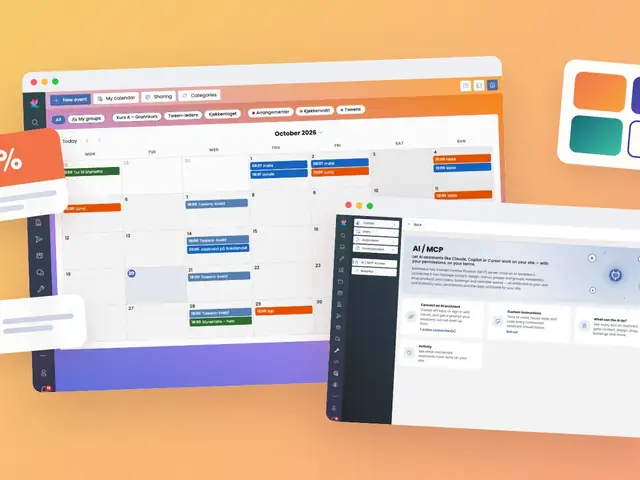
Event-based like everything else on the calendar, a meeting room booking automatically avoids colliding with a public event booked in the same space.The happy workday: Check the calendar, book the room, done — with total confidence nothing else is already scheduled there.
Using one scheduling engine for both public and internal bookings guarantees there's never a conflict between "the public booked the hall" and "the team booked the same hall for a meeting" — because it's the same underlying system checking both.
Meeting room booking is not a separate feature — it is the same BookingService and Event model described in the Room Booking module, simply used for internally-facing, non-commerce bookings (no linked ShopOrder).
Key implementation points:
PermissionService.cs) rather than a separate access-control mechanism for meeting rooms specifically.Event (supported for calendar entries generally) apply equally to standing internal meetings, avoiding the need to re-create a recurring booking manually each week.BookingService, there is a single source of truth for room conflicts — a hall booked publicly for an event will correctly block an internal meeting booking attempt for the same slot, and vice versa.By treating meeting rooms as another instance of the platform's general-purpose Event/booking model rather than a separate internal scheduling tool, the platform avoids the classic problem of two calendars that don't talk to each other.